
Last reviewed: August 26, 2026. API features and pricing change; verify current official documentation before production rollout.
An OpenAI API key not working is usually a credential, header, environment, project, or endpoint problem—not a model problem. This production checklist isolates 401 errors without exposing secrets.
In this guide
- What a 401 authentication error actually means
- Start with a minimal reproducible request
- Check Bearer header formatting
- Verify environment and deployment secrets
- Confirm the Base URL and provider match
- Review project access and key lifecycle
- Separate 401 from 403, 404, and 429
- Fix common SDK and proxy mistakes
- A safe rotation procedure
- Using Lofee without confusing credentials
What a 401 authentication error actually means
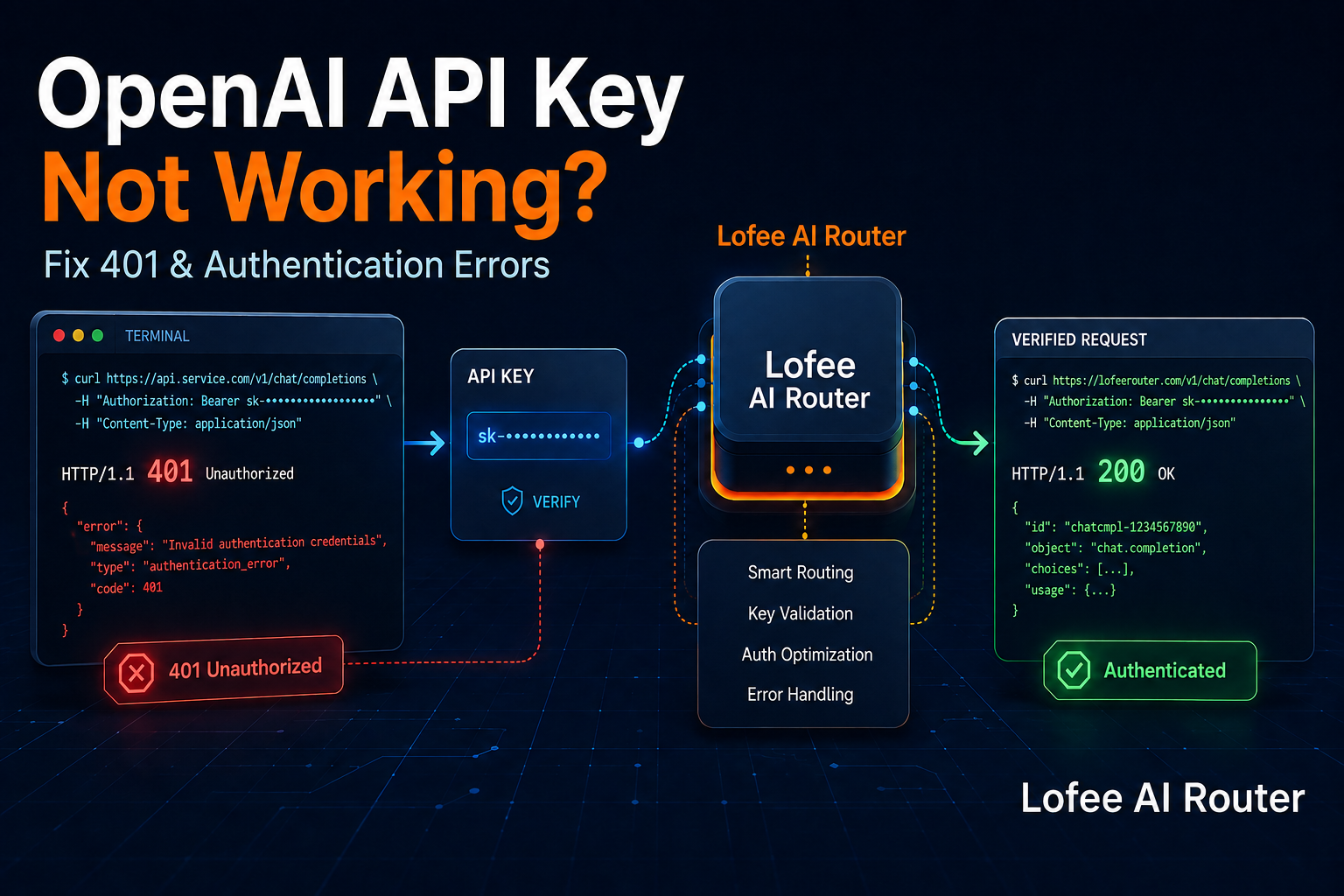
A 401 response means the server could not authenticate the credential attached to the request. OpenAI documents authentication errors as commonly caused by an invalid, expired, or revoked API key. Treat the response as an identity failure first: changing prompts, model parameters, or token limits will not repair it.
Start with a minimal reproducible request
Reduce the call to one server-side request with an explicit Authorization header, Content-Type, known model, and the documented API host. Log the HTTP status, request ID, selected Base URL, and key fingerprint such as the final four characters—never the whole secret. This distinguishes credential failure from SDK, proxy, or application state.
Check Bearer header formatting
The header must contain the word Bearer, one space, then the key. Invisible newlines, smart quotes, copied labels, a second Bearer prefix, and whitespace from CI variables are common causes. Print the string length and a redacted fingerprint instead of the value. If a shell variable is empty, stop before the request rather than sending a blank credential.
Lofee AI Router
One Affordable API.
Claude, GPT, Gemini and more — through one affordable API. Use separate keys and unified usage tracking for supported model workflows.
Verify environment and deployment secrets
A local terminal may read one .env file while a container, serverless function, or worker reads another secret store. Confirm the variable exists in the running process, not only in a dashboard. After rotation, redeploy or restart workloads that cache environment variables. Check staging and production independently; sharing one key hides configuration drift and expands blast radius.
Confirm the Base URL and provider match
An OpenAI credential belongs on the official OpenAI endpoint. A gateway credential belongs on that gateway’s documented endpoint. Mixing an OpenAI key with a relay Base URL—or a relay key with api.openai.com—predictably fails. In multi-provider apps, bind Base URL, credential reference, and model catalog in one configuration object so they cannot drift apart.
Review project access and key lifecycle
Project-scoped credentials can lose access when a project, user, service account, or key is removed. A key shown in old documentation may already be revoked. Generate a fresh server-side key, test it in a controlled environment, then revoke the suspected key. OpenAI notes that revocation and other authentication changes may propagate quickly but can sometimes take longer.
Separate 401 from 403, 404, and 429
Do not treat every API failure as an authentication problem. A 403 usually indicates permission or policy restrictions; 404 often means the route or resource is wrong; 429 covers rate or quota limits. Parse the structured error type and code, preserve the request ID, and route each class to a different runbook. Blind retries on a deterministic 401 waste time and can trigger alerts.
Build a cleaner multi-model workflow
Keep provider configuration, application keys, and usage visibility in one operational layer while testing every compatibility-sensitive feature.
Fix common SDK and proxy mistakes
Old SDK examples may use a different client constructor or endpoint. A reverse proxy can strip Authorization headers, and browser code may be blocked or expose the key. Capture headers at the first trusted server boundary, verify the proxy forwards them, and keep credentials out of front-end bundles. Use the current official SDK and API reference for the interface you selected.
A safe rotation procedure
Create a replacement key, store it in the secret manager, deploy it to a canary, run a known-good request, roll it out, monitor authentication errors, and only then revoke the old key. Keep a short overlap window when policy permits. Record owner, workload, creation date, and rotation ticket so a future incident does not depend on institutional memory.
Using Lofee without confusing credentials
Lofee provides separate application or team keys for its own OpenAI-compatible gateway. Keep those credentials distinct from direct-provider keys and pair each with the correct Base URL. Use the Lofee keys and usage pages to isolate workloads and inspect consumption. Compatibility covers common API workflows; provider-specific features should still be tested before migration.
OpenAI API key not working: production checklist
- Keep secrets server-side and redact logs.
- Pin configuration and test changes with representative evaluations.
- Measure latency, usage, errors, and cost per successful task.
- Use bounded retries and a documented rollback path.
- Verify gateway compatibility for provider-specific features.
Frequently asked questions
The runtime may still use an old cached secret, the header may be malformed, or the key may be sent to the wrong Base URL.
Not repeatedly. Fix the credential or configuration first; use a limited retry only when you know an authentication change is still propagating.
No. A browser bundle exposes it to users. Call the API from a controlled backend and keep the secret in a secret manager.
Log only a non-secret fingerprint, such as a hash or last four characters, plus the secret version—not the full credential.
No. Use a Lofee key with the documented Lofee Base URL, and an OpenAI key with the official OpenAI endpoint.
Official sources
This article is technical guidance, not a guarantee of service compatibility, security certification, or current provider pricing.
Leave a Reply