
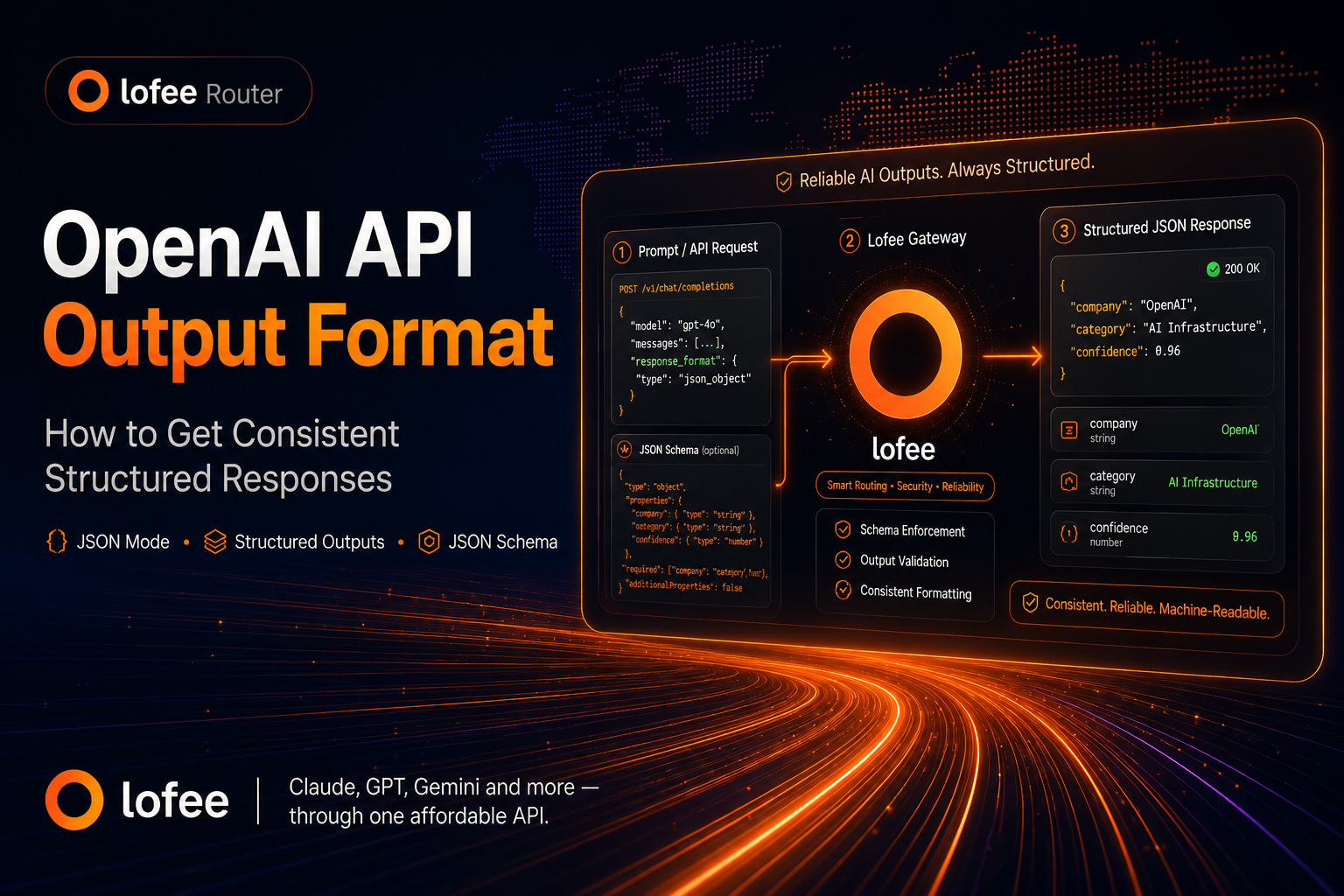
Meta description: Learn how to control the OpenAI API output format using prompt constraints, JSON mode, Structured Outputs, JSON Schema, and response_format, with practical examples for production applications.
When you use ChatGPT manually, a slightly different answer each time is usually fine.
When you call the OpenAI API from an application, it can be a problem.
Your code may expect:
{
  "company": "OpenAI",
  "category": "AI Infrastructure",
  "confidence": 0.96
}
But the model may return:
Sure! Here's the information I found:

Company: OpenAI
Category: AI Infrastructure
Confidence: 96%
Both responses make sense to a human.
Only one may work with your parser.
If your application needs reliable machine-readable output, you need to control the OpenAI API output format rather than simply asking the model to “respond in JSON.”
This guide explains the main options:
- prompt-based output formatting;
- JSON mode;
- Structured Outputs with JSON Schema;
- function calling with strict schemas;
- validation and error handling in production.
Quick Answer: How Do You Make OpenAI API Output Consistent?
There are three common levels of output control.
| Method | Guarantees valid JSON? | Guarantees your schema? | Best for |
|---|---|---|---|
| Prompt instructions only | No | No | Human-readable formatting |
| JSON mode | Yes, with documented edge cases | No | Flexible JSON output |
| Structured Outputs | Yes | Yes, for supported schemas and configurations | Production structured data |
For supported models, OpenAI recommends using Structured Outputs with JSON Schema when you need the response to follow a specific structure. The older JSON mode guarantees valid JSON but does not guarantee that fields, types, or nesting match the schema your application expects.
That distinction matters.
Why Prompting Alone Is Not Enough
A common first attempt looks like this:
Extract the company name, category, and confidence score.

Return JSON.
You might get:
{
  "company": "OpenAI",
  "category": "AI",
  "confidence": "high"
}
But your application may expect:
{
  "company": "OpenAI",
  "category": "AI Infrastructure",
  "confidence": 0.95
}
Several things changed:
confidencebecame a string instead of a number;- the category format changed;
- the model decided its own field semantics.
You can improve reliability by making the prompt more explicit:
Extract the company information.

Return a JSON object with exactly these fields:

{
  "company": "string",
  "category": "string",
  "confidence": 0.0
}

Rules:
- confidence must be a number between 0 and 1
- do not add additional fields
- do not include explanations outside the JSON
This is much better.
But it is still a prompt instruction, not a programmatic schema guarantee.
For production systems, this difference becomes important.
Option 1: Specify the Output Format in the Prompt
For simple use cases, a carefully written prompt may be enough.
OpenAI’s prompt engineering guidance recommends being specific about the desired format and showing the model what a correct response should look like rather than relying on vague instructions.
For example, instead of:
Summarize this article briefly.
use:
Summarize the article using exactly this format:

Title: <one sentence>
Summary: <maximum 3 sentences>
Topics:
- <topic 1>
- <topic 2>
- <topic 3>

Do not include any text before or after this structure.
This works well when the response is primarily meant for humans.
Examples include:
- summaries;
- reports;
- Markdown;
- email drafts;
- bullet lists;
- formatted analysis.
But if another part of your software needs to parse the result automatically, you should usually move beyond prompt-only formatting.
Option 2: Use OpenAI JSON Mode
OpenAI also supports JSON mode.
JSON mode is designed to make the model return syntactically valid JSON.
With the Chat Completions API, the relevant configuration is:
{
  "response_format": {
    "type": "json_object"
  }
}
With the Responses API, the equivalent format configuration is:
{
  "text": {
    "format": {
      "type": "json_object"
    }
  }
}
OpenAI’s current documentation describes JSON mode as an older method for generating JSON. It ensures valid JSON under supported conditions, but it does not guarantee that the JSON follows a specific schema. OpenAI recommends JSON Schema-based Structured Outputs when supported.
Example: JSON Mode
Your prompt might say:
Return the result as JSON.

Extract:
- company
- category
- confidence

Confidence must be between 0 and 1.
The API may return:
{
  "company": "OpenAI",
  "category": "AI Infrastructure",
  "confidence": 0.97
}
That is valid JSON.
But this is also valid JSON:
{
  "company_name": "OpenAI",
  "industry": "AI Infrastructure",
  "confidence": 0.97
}
Your parser may still break because the field names changed.
That is the main limitation of JSON mode:
Valid JSON is not the same thing as predictable JSON.
OpenAI explicitly notes that JSON mode does not guarantee a particular schema.
Option 3: Use Structured Outputs with JSON Schema
If your application requires an exact output structure, Structured Outputs are usually the better solution.
Instead of merely telling the model:
Please return JSON.
you define the structure programmatically.
For example:
{
  "type": "object",
  "properties": {
    "company": {
      "type": "string"
    },
    "category": {
      "type": "string"
    },
    "confidence": {
      "type": "number"
    }
  },
  "required": [
    "company",
    "category",
    "confidence"
  ],
  "additionalProperties": false
}
Now your application is no longer relying entirely on natural-language instructions.
The expected structure becomes part of the API request.
OpenAI’s API reference states that setting the output format to json_schema enables Structured Outputs and, with strict schema adherence enabled, makes supported model outputs follow the supplied JSON Schema subset.
OpenAI Responses API Structured Output Example
A Responses API request can define the output format like this:
import OpenAI from "openai";

const client = new OpenAI();

const response = await client.responses.create({
  model: "gpt-5.6",
  input: `
Extract the company information from this sentence:

"OpenAI develops AI models and infrastructure for developers."
`,
  text: {
    format: {
      type: "json_schema",
      name: "company_information",
      strict: true,
      schema: {
        type: "object",
        properties: {
          company: {
            type: "string"
          },
          category: {
            type: "string"
          },
          confidence: {
            type: "number"
          }
        },
        required: [
          "company",
          "category",
          "confidence"
        ],
        additionalProperties: false
      }
    }
  }
});

console.log(response.output_text);
The expected result is something like:
{
  "company": "OpenAI",
  "category": "AI Infrastructure",
  "confidence": 0.98
}
The important part is not the exact values.
It is that your application can depend on the expected fields and types.
The current Responses API supports text output as either normal text or structured JSON, and OpenAI lists Structured Outputs as the preferred way to get responses that conform to a JSON Schema.
JSON Mode vs Structured Outputs
This is one of the most common sources of confusion.
Consider these two requirements.
Requirement A
I only need the model to return valid JSON.
JSON mode may be sufficient.
Requirement B
I need
companyto always be a string,confidenceto always be a number, and no unexpected fields to appear.
Use Structured Outputs.
The difference can be summarized like this:
JSON Mode
↓
"Give me valid JSON."

Structured Outputs
↓
"Give me JSON that follows THIS schema."
For a prototype, the first may be enough.
For an API response going directly into application logic, a database, workflow engine, or another API call, the second is generally safer.
Use additionalProperties: false When You Need Exact Fields
One subtle but important part of a strict JSON schema is:
{
  "additionalProperties": false
}
Without a clear schema restriction, models may generate useful-but-unexpected information such as:
{
  "company": "OpenAI",
  "category": "AI Infrastructure",
  "confidence": 0.96,
  "reasoning": "The company develops large language models."
}
A human may appreciate the extra field.
Your application may not.
If your downstream code expects an exact contract, explicitly define what is allowed.
Use Enums When the Output Must Match a Fixed Set
Suppose you’re classifying support tickets.
Instead of defining:
{
  "category": {
    "type": "string"
  }
}
define the allowed values:
{
  "category": {
    "type": "string",
    "enum": [
      "billing",
      "technical",
      "account",
      "other"
    ]
  }
}
This prevents responses such as:
{
  "category": "payment problem"
}
when your database expects:
{
  "category": "billing"
}
This pattern is especially useful for:
- classification;
- workflow routing;
- ticket processing;
- moderation labels;
- CRM automation;
- agent decisions.
Structured Output Is Especially Useful for Data Extraction
One of the strongest use cases is turning unstructured text into structured data.
For example:
Sarah Chen is CTO of Example Labs.
The company is based in Singapore and develops developer infrastructure.
You might want:
{
  "person": "Sarah Chen",
  "role": "CTO",
  "company": "Example Labs",
  "location": "Singapore",
  "category": "Developer Infrastructure"
}
This can then be:
Raw text
   ↓
OpenAI API
   ↓
Structured Output
   ↓
Validation
   ↓
Database / CRM / internal API
Once LLM output becomes part of a software pipeline, predictable structure is much more important than aesthetically pleasing prose.
Function Calling Can Also Enforce Structured Arguments
There is another related technique: function calling.
If the model needs to trigger application logic, you can define a function and specify its arguments using JSON Schema.
For example:
{
  type: "function",
  name: "create_support_ticket",
  description: "Create a support ticket",
  strict: true,
  parameters: {
    type: "object",
    properties: {
      category: {
        type: "string",
        enum: ["billing", "technical", "account", "other"]
      },
      priority: {
        type: "string",
        enum: ["low", "medium", "high"]
      }
    },
    required: ["category", "priority"],
    additionalProperties: false
  }
}
OpenAI documents strict: true for supported function schemas as the mechanism for making generated function arguments conform to the supplied schema.
A useful rule is:
Use Structured Outputs when you want structured information returned to your application.
Use function calling when the model needs to select or invoke application functionality using structured arguments.
Does Lower Temperature Make Output More Consistent?
Sometimes, but it does not solve the main problem.
Lower temperature generally reduces randomness.
It does not create a schema contract.
For example, this request:
Return company, category, and confidence as JSON.
may become somewhat more predictable at a lower temperature.
But the model can still choose:
{
  "company_name": "OpenAI"
}
instead of:
{
  "company": "OpenAI"
}
if the structure has not been enforced.
So don’t use temperature as a replacement for output formatting.
Think of the two controls as solving different problems:
Temperature
→ How variable should generation be?

Structured Outputs
→ What structure is generation allowed to use?
Don’t Forget Output Token Limits
Even perfectly defined structured output can fail operationally if generation is cut off before completion.
Suppose your output is expected to contain:
{
  "products": [
    ...
  ]
}
but the output token limit is too low.
The response may be incomplete before all expected content has been generated.
Production applications should therefore handle:
- incomplete responses;
- API errors;
- output limits;
- refusals where applicable;
- schema validation failures;
- retry logic when appropriate.
Structured output reduces one class of failure.
It does not eliminate application-level error handling.
Common OpenAI API Output Format Mistakes
1. Asking for JSON Without Defining the Fields
Bad:
Return this as JSON.
Better:
Return JSON with exactly these fields:

company
category
confidence
Best for production:
Use Structured Outputs with a JSON Schema.
2. Assuming Valid JSON Means Valid Application Data
This is valid JSON:
{
  "confidence": "probably high"
}
But your TypeScript interface may require:
confidence: number;
Syntax validity and schema validity are different problems.
3. Parsing Markdown Code Fences
Without stronger output control, a model may return:
```json
{
  "company": "OpenAI"
}
```
That is readable for humans but inconvenient for:
JSON.parse(response);
Structured output avoids relying on Markdown conventions.
4. Allowing the Model to Invent Categories
If your application has four valid states:
billing
technical
account
other
do not simply say:
Choose an appropriate category.
Use an enum when possible.
5. Relying Only on Prompt Examples
Examples help models understand your intention.
They are not the same thing as schema enforcement.
Few-shot examples are useful for teaching how to classify something.
JSON Schema is useful for enforcing how the result must be represented.
You may need both.
What About OpenAI-Compatible APIs?
Many developer tools and AI gateways use an OpenAI-compatible API format.
That makes it easier to switch:
Application
    ↓
OpenAI-compatible client
    ↓
API gateway
    ↓
Model provider
However, “OpenAI-compatible” does not automatically mean that every provider, route, and model supports every OpenAI feature identically.
For example, support may vary for:
response_format;- JSON Schema;
- Structured Outputs;
- function calling;
- strict mode;
- streaming;
- tool calls.
If you’re routing requests through an API gateway such as Lofee, check the capabilities of the specific model route you are using before depending on Structured Outputs in production.
For simple integrations, the workflow is still familiar:
Base URL
API Key
Model
Request
But advanced response-format features depend on what the upstream model and route support.
Recommended Pattern for Production Applications
For most production extraction or classification workflows, a reliable architecture looks like this:
1. Define the task clearly
       ↓
2. Define a JSON Schema
       ↓
3. Use Structured Outputs
       ↓
4. Parse the response
       ↓
5. Validate application-level semantics
       ↓
6. Handle incomplete/error cases
       ↓
7. Store or process the data
Notice that schema adherence is only one part of reliability.
For example:
{
  "confidence": 0.99
}
may perfectly match your schema while still being semantically wrong.
Structured Outputs solve:
“Did the model return data in the structure my application expects?”
They do not automatically solve:
“Is every generated value factually correct?”
You still need normal application validation where correctness matters.
FAQ
How do I force the OpenAI API to return JSON?
On supported configurations, you can use JSON mode or Structured Outputs.
JSON mode ensures valid JSON, while Structured Outputs can enforce a specific JSON Schema. OpenAI currently recommends json_schema over the older json_object mode for supported models.
What is response_format in the OpenAI API?
response_format is used in APIs such as Chat Completions to specify whether the response should be normal text, a JSON object, or structured JSON based on a schema, depending on the model and endpoint.
In the Responses API, output formatting is configured through text.format.
Does OpenAI JSON mode guarantee the same fields every time?
No.
JSON mode guarantees valid JSON under supported conditions, but it does not guarantee that the output follows your specific schema. Use Structured Outputs when exact fields and types matter.
What is the difference between JSON mode and Structured Outputs?
JSON mode controls syntax.
Structured Outputs control structure.
If your application expects exact keys, data types, enums, and nesting, Structured Outputs are the better option.
Should I use function calling or Structured Outputs?
Use Structured Outputs when your main goal is to return structured information.
Use function calling when the model needs to call application functionality with structured arguments.
Both can use schema-based constraints.
Final Thoughts
The most important change when moving from ChatGPT-style experimentation to production API development is this:
Don’t treat model output as prose if your software expects data.
Prompt formatting is useful for human-readable responses.
JSON mode is useful when you need valid JSON.
Structured Outputs are the better choice when your application depends on a predictable schema.
In practice:
Human reads the response
→ Prompt formatting may be enough

Your code parses the response
→ Prefer Structured Outputs

The model needs to trigger an action
→ Consider function calling
The more your AI output behaves like an API contract, the less time you’ll spend fixing parsers, adding regex fallbacks, and wondering why a harmless wording change broke your production pipeline.
Leave a Reply